Trainingsvideo laten maken: that’s how we do it

Author

Martijn Katsman

Date

December 1, 2025

Reading time

6 min.

In e-learnings, training videos are indispensable. The average onboarding begins with a welcome video from the director, after which text and videos explain how the company works. A skills training largely consists of visual instructions, and the modern teacher uses training videos to convey information clearly.


It is clear that a training video is an effective tool in e-learnings. But how do you create a good video that truly works, in a way that is both educational and entertaining? In this blog, we will guide you through the process of making a training video, from preparation to publication.
Define the learning objective

A training video always starts with a clear learning objective. What should the participant know, understand, or be able to do after watching this video? A learning objective is specifically focused on one topic or action. More is not desirable, as this does not contribute to the clarity of the video.


It is also important that achieving the learning objective is measurable so that you can verify whether the participant has mastered the material. Of course, the learning objective connects to practice and the bigger picture. An example is a training video in an onboarding process, where the participant receives explanation on how to request leave. This is part of the bigger picture, namely getting a grasp of the business processes.


Writing the script

A training video without a script is like assembling a construction kit without an instruction manual. Indeed, that doesn’t work. The script provides structure and clarity and begins with the introduction, which explains what will be learned and why it is important. This is followed by an explanation or demonstration of the topic, followed by a summary. The ideal conclusion is a question that tests the learned material.


The style of the (spoken) language depends on the target audience. Active sentences that are short and powerful work very well. One can work with a speaker on screen. This depends on the desired format.

Determine the Learning Objective

A training video always starts with a clear learning objective. What should the participant know, understand, or be able to do after watching this video? A learning objective is specifically focused on one subject or action. More than that is not desirable as it does not contribute to the clarity of the video.


It is also important that achieving the learning objective is measurable, so you can check whether the participant has mastered the material. Of course, the learning objective aligns with practice and the bigger picture. An example is a training video in an onboarding process, where the participant receives an explanation about submitting leave requests. This is a component of the larger whole, namely getting a grip on the business processes.


Writing a Script

A training video without a script is like assembling a kit without the instruction manual. Indeed, that doesn't work. The script provides structure and clarity and begins with the introduction, which explains what will be learned and why it is important. This is followed by an explanation or demonstration of the topic, ending with a summary. The ideal conclusion is a question that tests what has been learned.


The style of the (spoken) language depends on the target audience. Active sentences that are short and powerful work very well. A speaker can appear on screen. This depends on the desired format.

Didactic Approach

Not every video automatically ensures learning. It is therefore important to provide a didactically underpinned approach. Important here are small chunks of information. A training video should not be too long. If it is a complex subject, divide it into parts so that the video remains manageable.


The power of repetition also applies to training videos. Important points are summarized or repeated. By asking questions in between, using visuals, or changing camera angles, the training video remains engaging.


An interactive training video increases the effect. By inviting the viewer to do something, such as an exercise or question, the didactic effect increases.
The right form

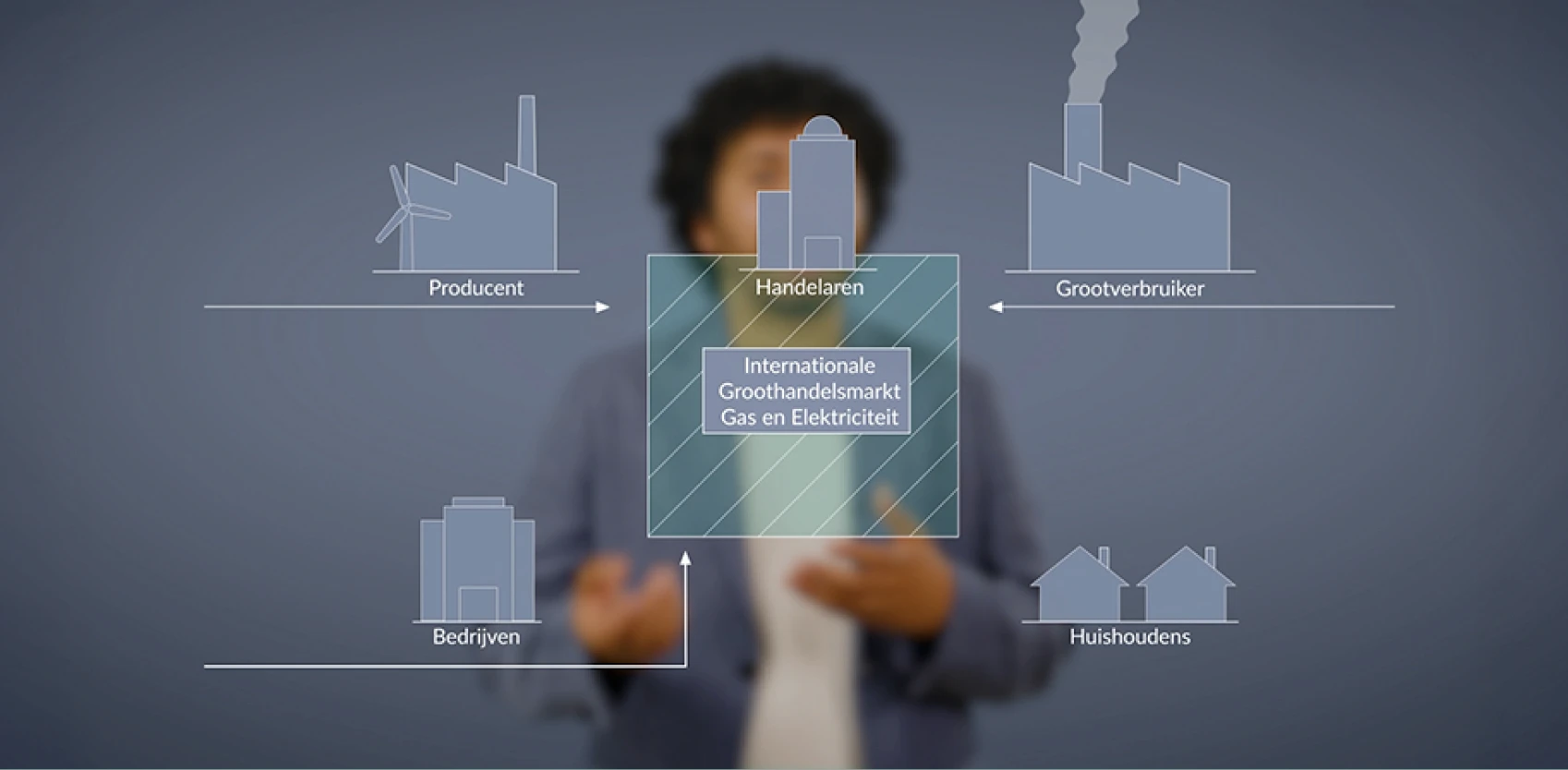
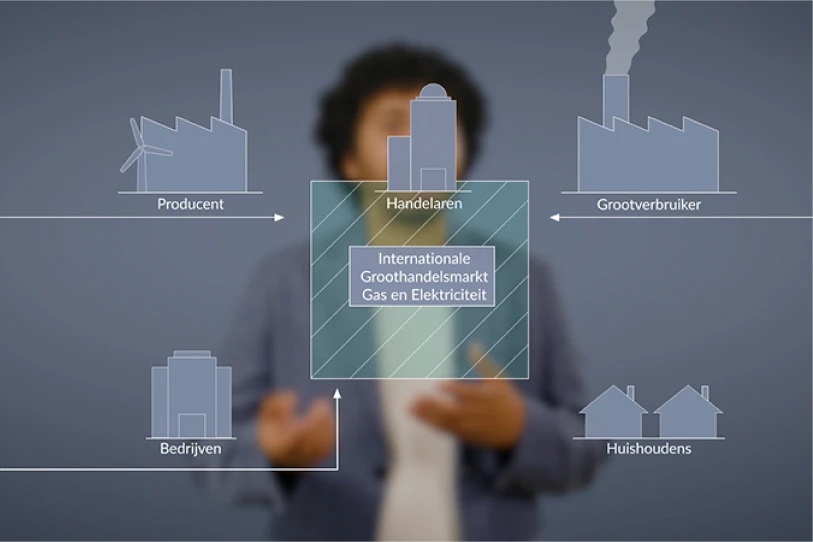
We have already discussed the form multiple times in this blog. One can choose, among other options, the somewhat irreverently sounding talking head. An expert addresses the viewer, supported by images or slides.


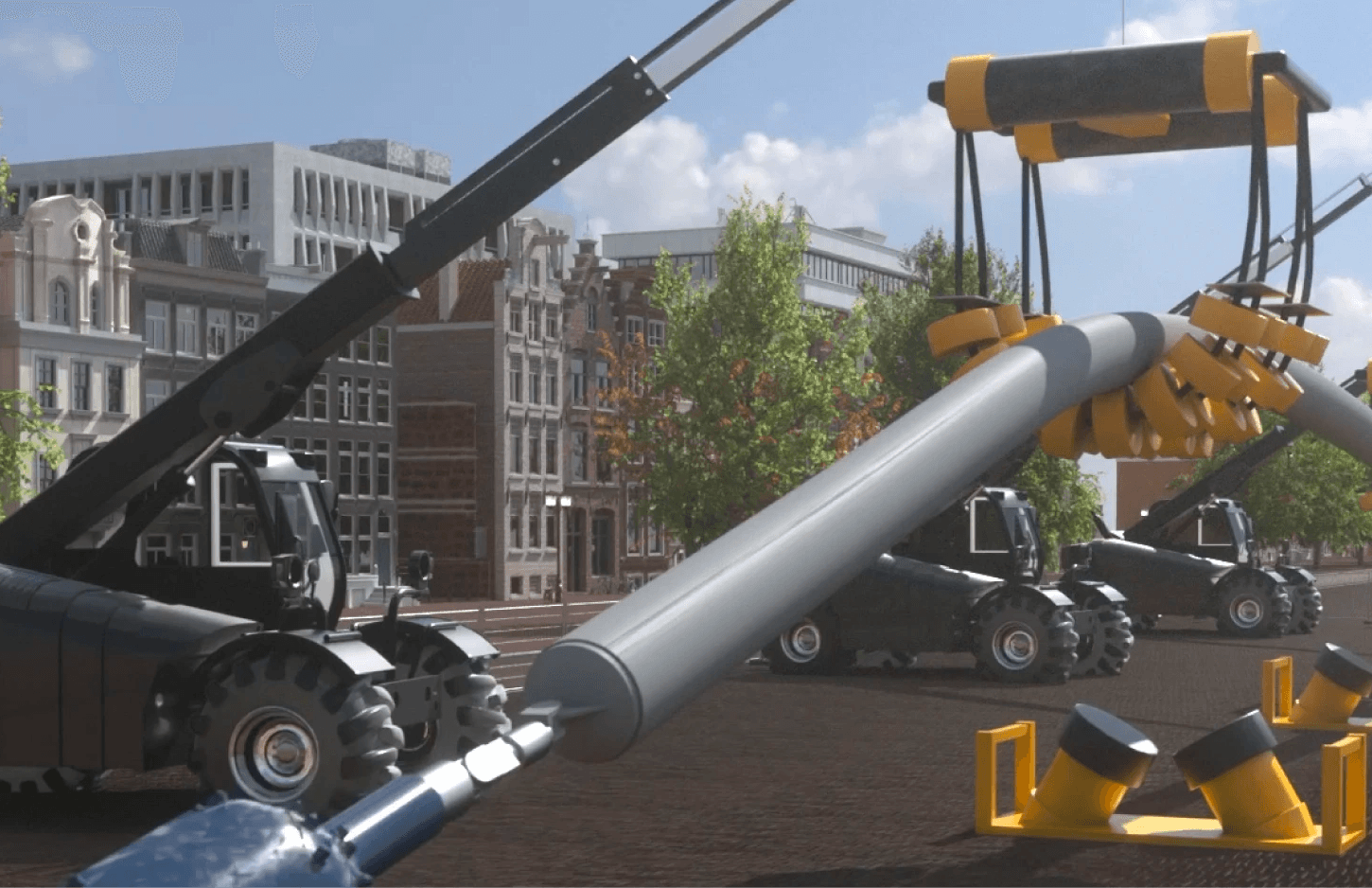
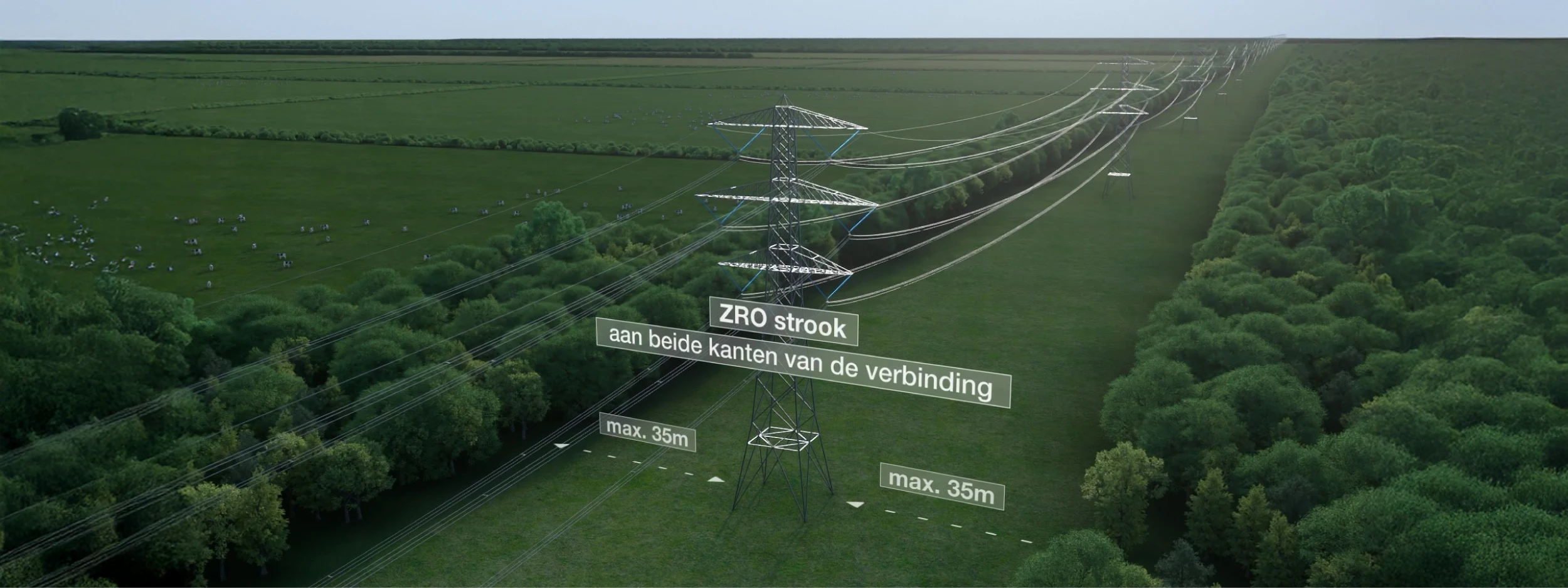
An instructional video or demo is also often seen. Step by step, it shows how an action should be performed, such as using a machine. Animation videos are ideal for explaining abstract or theoretical concepts. And with a screencast, you explain how a digital action should be performed.


What is the right form? The answer is simple: the form that best fits the learning objective, the target audience, and the budget.

The right format

We have already talked about the format several times in this blog. Among other things, one can choose the somewhat irreverently sounding speaking head. An expert addresses the viewer, supported by images or slides.


An instructional video or demo is also often seen. Step by step, it shows how an action should be performed, such as using a machine. Animation videos are ideal for explaining abstract or theoretical concepts. And with a screencast, you explain how a digital action should be carried out.


What is the right format? The answer is simple: the format that best fits the learning objective, the target audience, and the budget.

The technique and presentation

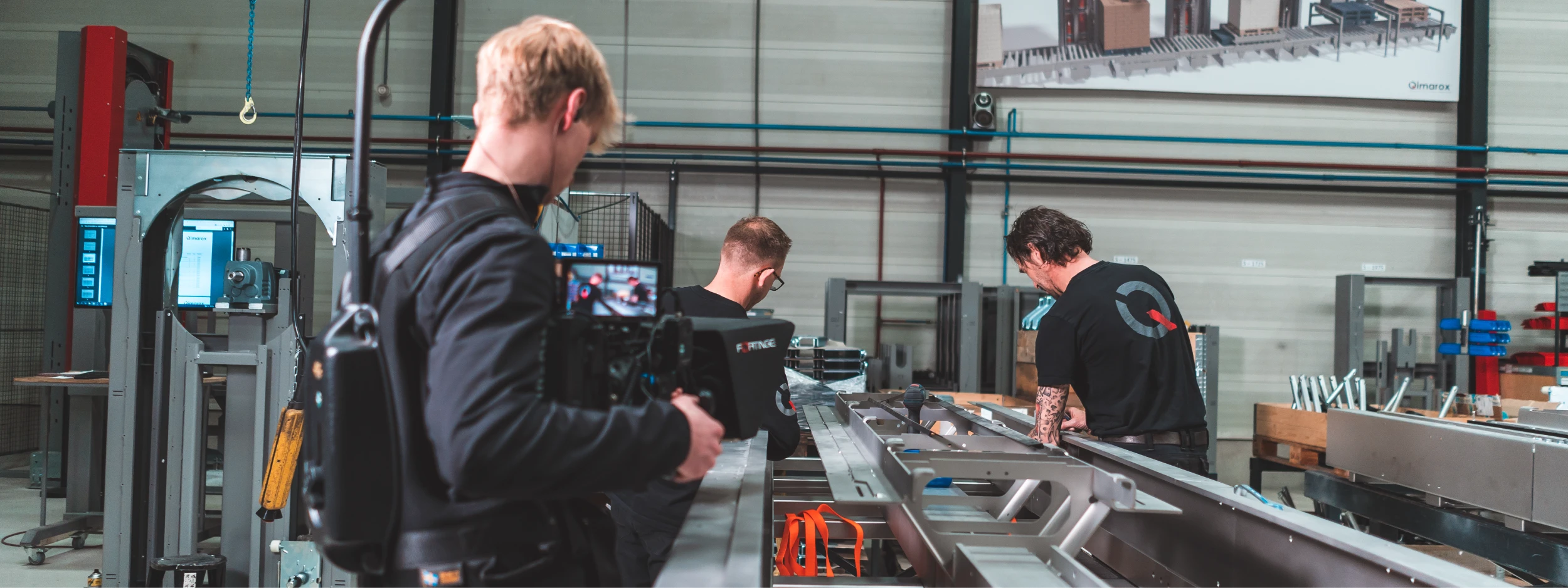
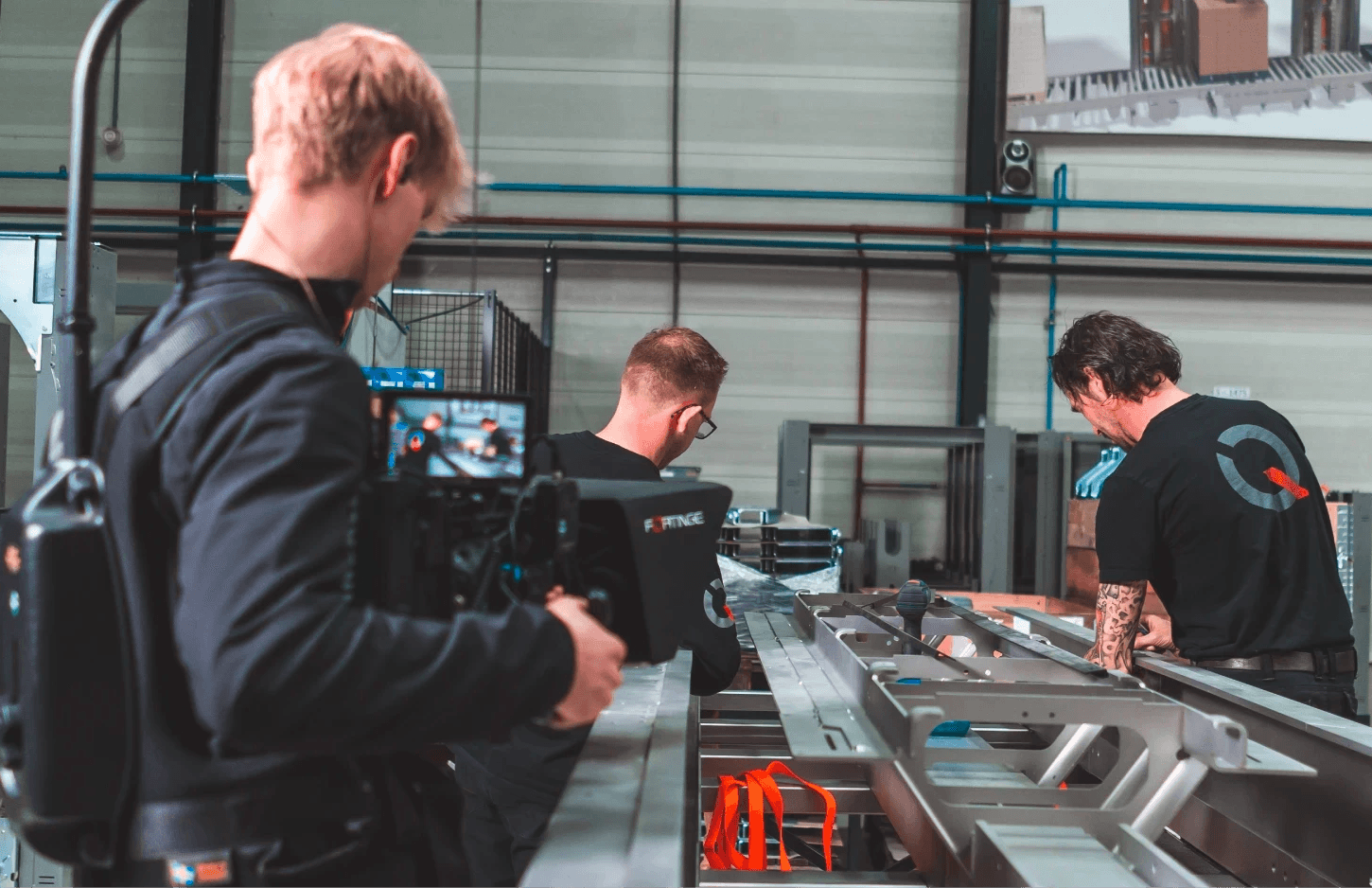
You have to stay on a deserted island to go a day without seeing a smartphone. What we mean by this is that almost everyone makes videos nowadays. However, there is a difference between a video made with a smartphone and a professional training video.


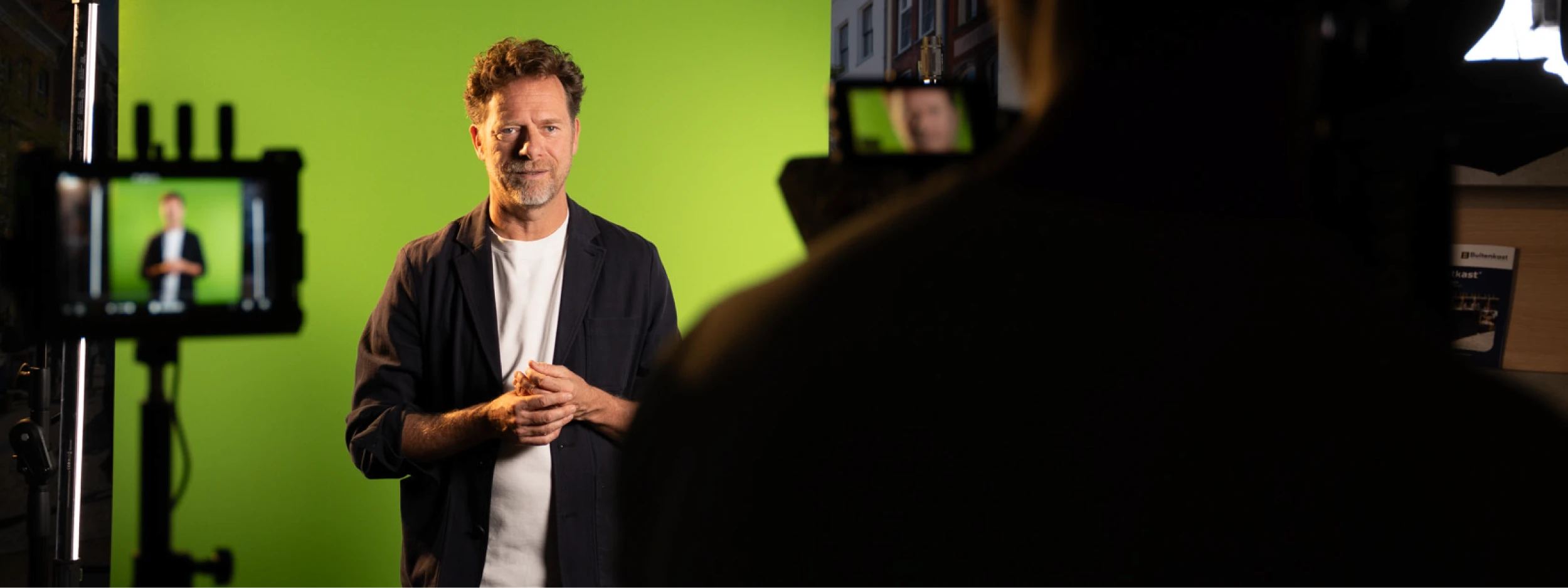
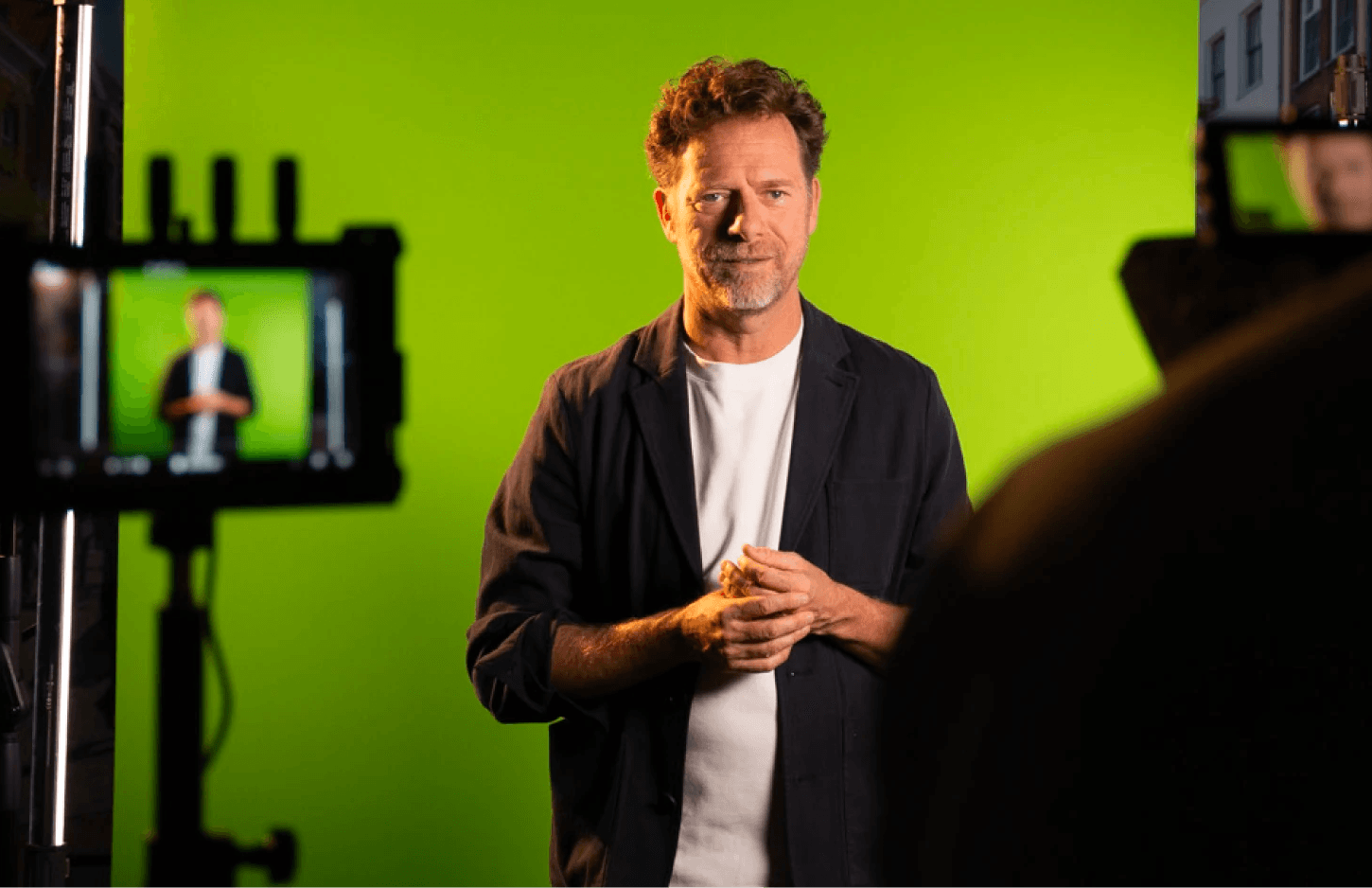
The quality of image and sound is crucial. A professional camera is important, as is a good microphone. We make many videos in the studio for a green screen. This not only provides a quiet environment without echo or background noise but also offers opportunities for the background.


The presentation is partly a matter of taste. One can choose a young woman or an old man, with everything in between. What is not a matter of taste is quality. The presenter speaks calmly and clearly, and not to forget in an attractive manner. If you want people to take your content seriously, you also need to take them seriously and offer something that is of high quality. And if you do it in a batch, it really doesn’t have to be that much more expensive than when you mess around yourself; time is after all money.

The technique and presentation

You need to stay on a deserted island to go a day without seeing a smartphone. What we mean by this is that almost everyone nowadays makes videos. However, there is a difference between a video made with a smartphone and a professional training video.


The quality of picture and sound is crucial. A professional camera is important, as is a good microphone. We make many videos in the studio for a green screen. This not only ensures a quiet environment without echo or background noise, but also provides opportunities for the background.


The presentation is partly a matter of taste. You can choose a young woman or an old man, with everything in between. What is not a matter of taste is the quality. The presenter speaks calmly and clearly, and not to forget in an attractive way. If you want people to take your content seriously, you must also take them seriously and offer something of a quality standard. And if you do it in a batch, it really shouldn't be that much more expensive than if you go about it yourself; after all, time is money.

The editing and post-production

What takes longer: filming or editing? The answer is editing. During the editing process, the effect of the training video is optimized, even when it is a so-called one-taker. In that case, titles, subtitles, and subheadings are added in the editing process to provide extra structure.


Visual accents can be added through arrows, zooming in or out, and highlights. Background music is an option, but only if it adds to the content. Another important feature of a good training video is an intro and outro. This ensures recognizability for the learner.


To make it concrete: on a studio day, a professional actor (m/f/x) can easily record 10+ videos, while editing can take 1-2 days per video, including animation, subtitling, and finishing touches.

Testing and evaluating

A try-out is not only part of theater performances but also of training videos. Before the video is rolled out to all participants, it is tested in a small committee. By letting a number of people from the target audience watch the video, you can discover whether the intended effect is achieved.


At the same time, it is checked whether everything is understandable, logical, and, importantly, error-free. Any feedback is processed and improvements are made where necessary.

The editing and post-processing

What takes longer: filming or editing? The answer is editing. During the editing process, the effect of the training video is optimized, even when it is a so-called one-taker. In that case, titles, subtitles, and headings are added in the editing to provide extra structure.


Through arrows, zooming in or out, and markings, visual accents can be added. Background music is an option, but only if it is an enhancement. Another important feature of a good training video is an intro and outro. This ensures recognizability for the participant.


To make it concrete: on a studio day, a professional actor (m/f/x) can easily record 10+ videos, while an edit can quickly take 1-2 days per video, including animation, subtitling, and finishing.

Testing and evaluating

A trial run is not only part of theater performances but also of training videos. Before the video is rolled out to all participants, it is tested in a small committee. By having a number of people from the target group watch the video, you can discover whether the intended effect is achieved.


At the same time, it is checked whether everything is understandable, logical, and not to forget error-free. Any feedback is processed, and improvements are made where necessary.

Publication and Integration in E-Learning

After these steps, it's time for publication. In the text, an announcement for the video can be made. Questions can be integrated into the video or posed in text form after the video.


You can see that creating a training video is much more than just recording a film. Content, form, technique, and user experience come together. A good training video helps the target audience learn better and understand things faster.


By starting with a clear learning objective, a strong script, and good production, you lay the foundation for impactful e-learning. Add structure, visual enhancement, and accessible presentation, and you have a training video that makes a difference.

About the author

Roland has a background as an academic engineer, has been working as a marketer for nearly a decade, and has guided the visual positioning of various technical organizations. He knows better than anyone how companies can translate complexity into inspiring content.

ir. Roland Guijs

founder

About the author

Roland has a background as an academic engineer, has been working as a marketer for nearly a decade, and has guided the visual positioning of various technical organizations. He knows better than anyone how companies can translate complexity into inspiring content.

About the author

Roland has a background as an academic engineer, has been working as a marketer for nearly a decade, and has guided the visual positioning of various technical organizations. He knows better than anyone how companies can translate complexity into inspiring content.